BitBucket
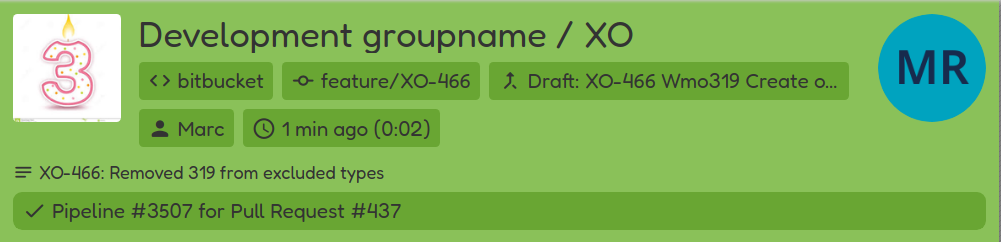
Adding webhook
In your BitBucket project settings, open the webhooks page, and add a webhook:
- WebHook URL:
cimonitor.example.com/webhook/bitbucket(replace your domain name) - Content type:
application/json - Secret: insert the same password if you've the
WEBHOOK_SECRETenvironment setting - What event? Select all the events to unluck the most potential. Supported are merge request, pushes and builds.
- Make sure the webhook is active
Add your webhook! All new builds should become visible on your CIMonitor.